
Year-end edition · AI video
goodbye-2026.com — Edition ’26
Goodbye 2026.Hello 2027.
Upload one photo from your year. Our AI turns it into a Goodbye 2026 video — midnight fireworks, a countdown, a champagne toast or “the 2026 season” finale — ready for Reels, TikTok and the family chat.
- 01
11 New Year video styles - 02
Ready in about 2 minutes - 03
HD, no watermark


- 2026
Dec 31
Midnight Fireworks - 2026
Dec 31
The 2026 Season - 2026
Dec 31
Champagne Toast - 2026
Dec 31
Snow Globe - 2026
Dec 31
First Sunrise
01 — Studio
Make your Goodbye 2026 video
One photo in, one shareable clip out. Pick a style, add a detail if you like, and press create.
1. Photo to bring to life
2. Choose a style
Midnight FireworksThe camera pushes in as you look up and golden fireworks light the sky.
 Photo
 Result
Your Goodbye 2026 video will appear here. Upload a photo, pick a style and press create.
02 — The editions
Goodbye 2026 video styles
Every clip below was made from a single free stock photo with the style shown. Hover or tap to play.

The camera pushes in as you look up and golden fireworks light the sky.

“And with that, the 2026 season” — a slow, nostalgic finale shot of your year.

Your photo becomes an instant print as the memories of your year slide in around it.

You count down to midnight and confetti explodes at zero.

Glasses up, a slow-motion clink and golden sparkles to welcome 2027.
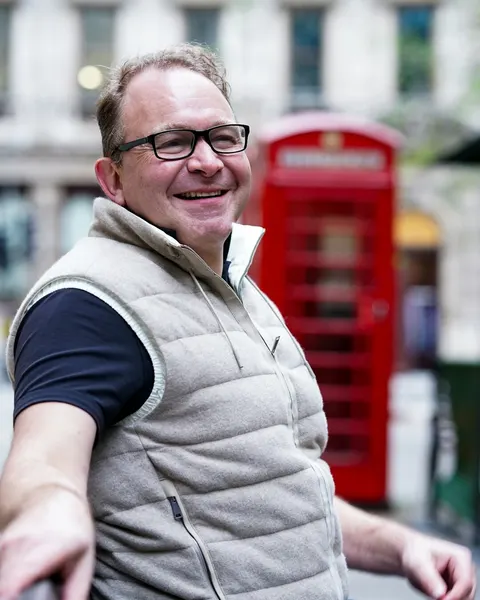
A lit sparkler draws glowing light trails in the dark around you.
Your photo turns into a snow globe with snow swirling around you.

Hands up and laughing as gold and silver confetti rains down.

A warm 8mm home-movie memory with light leaks and film grain.
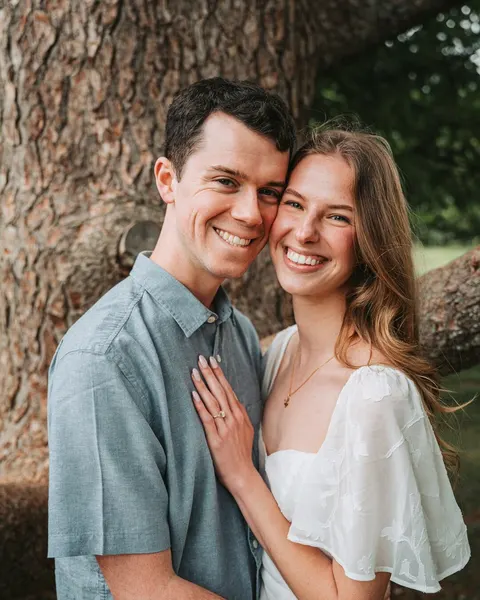
Hello 2027: the first sunrise of the year washes over you in golden light.
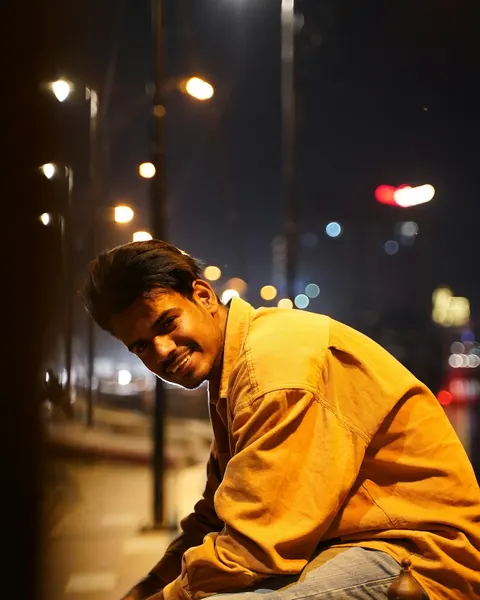
You walk through a glowing New Year's Eve street as the camera tracks you.
03 — Side B
Goodbye 2026 posters & New Year cards
Prefer a still? Turn your photo into a recap poster, a magazine cover or a Happy New Year 2027 card — then animate it into a video in one click.
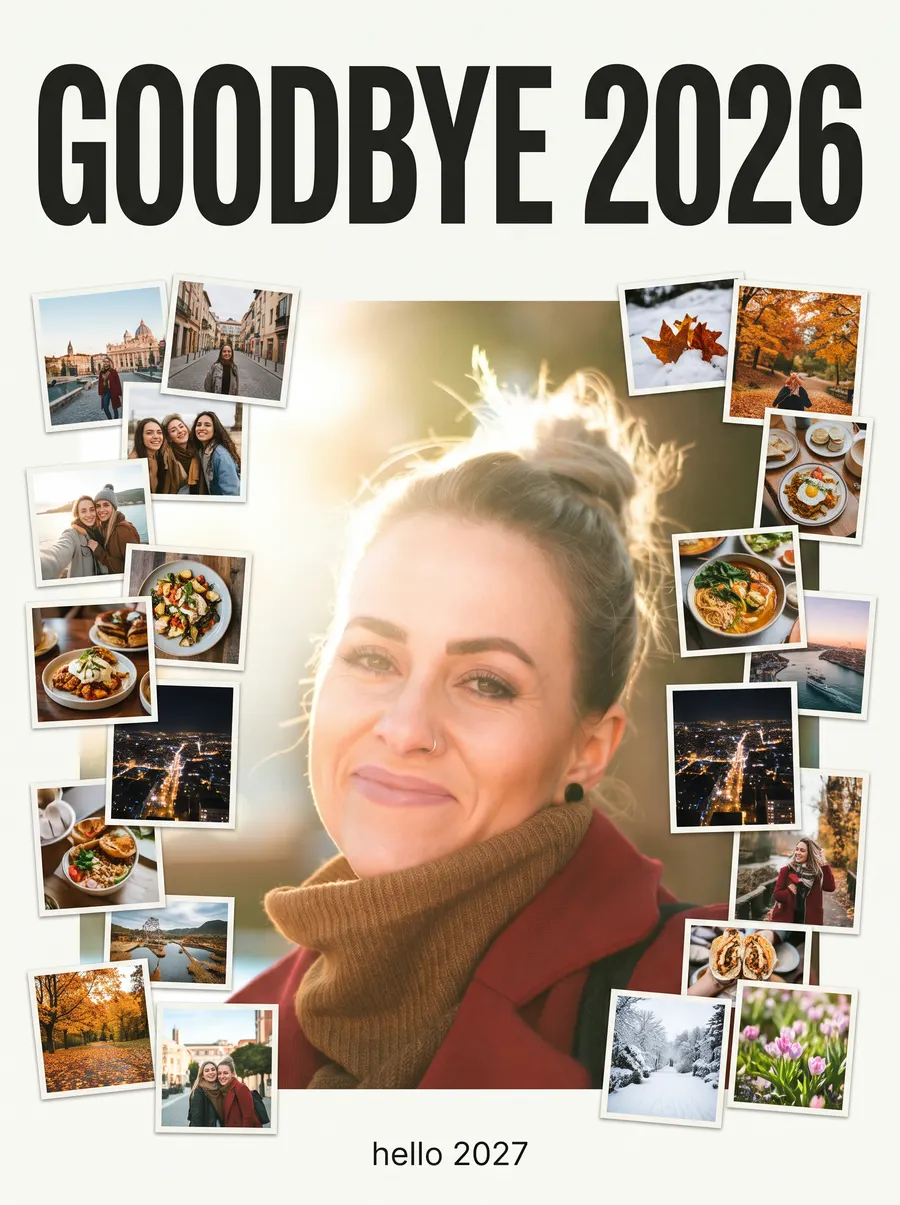
B01
Recap Poster
A “GOODBYE 2026” poster with you at the centre and a collage of your year around you.
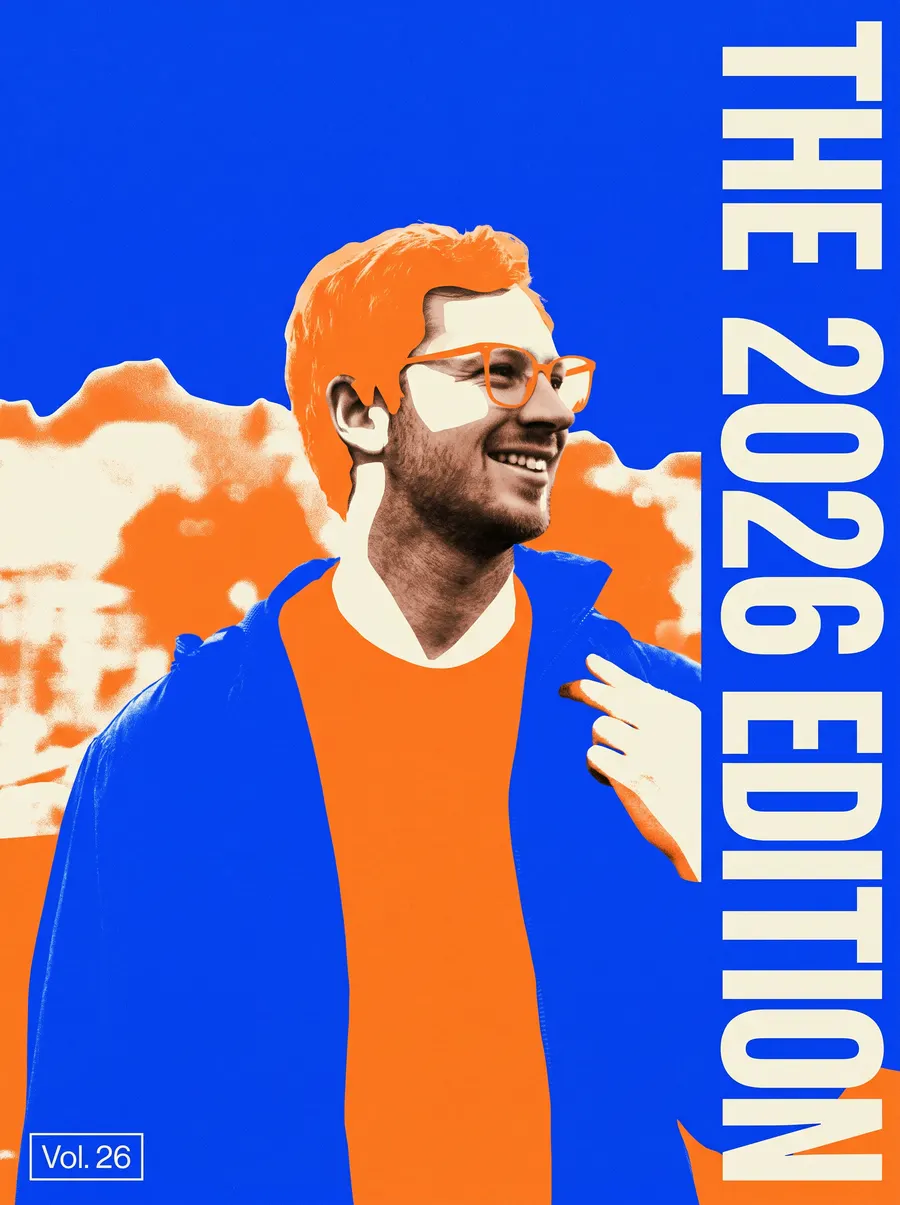
B02
The 2026 Edition
Your year as a record sleeve: a bold graphic portrait titled “The 2026 Edition”.
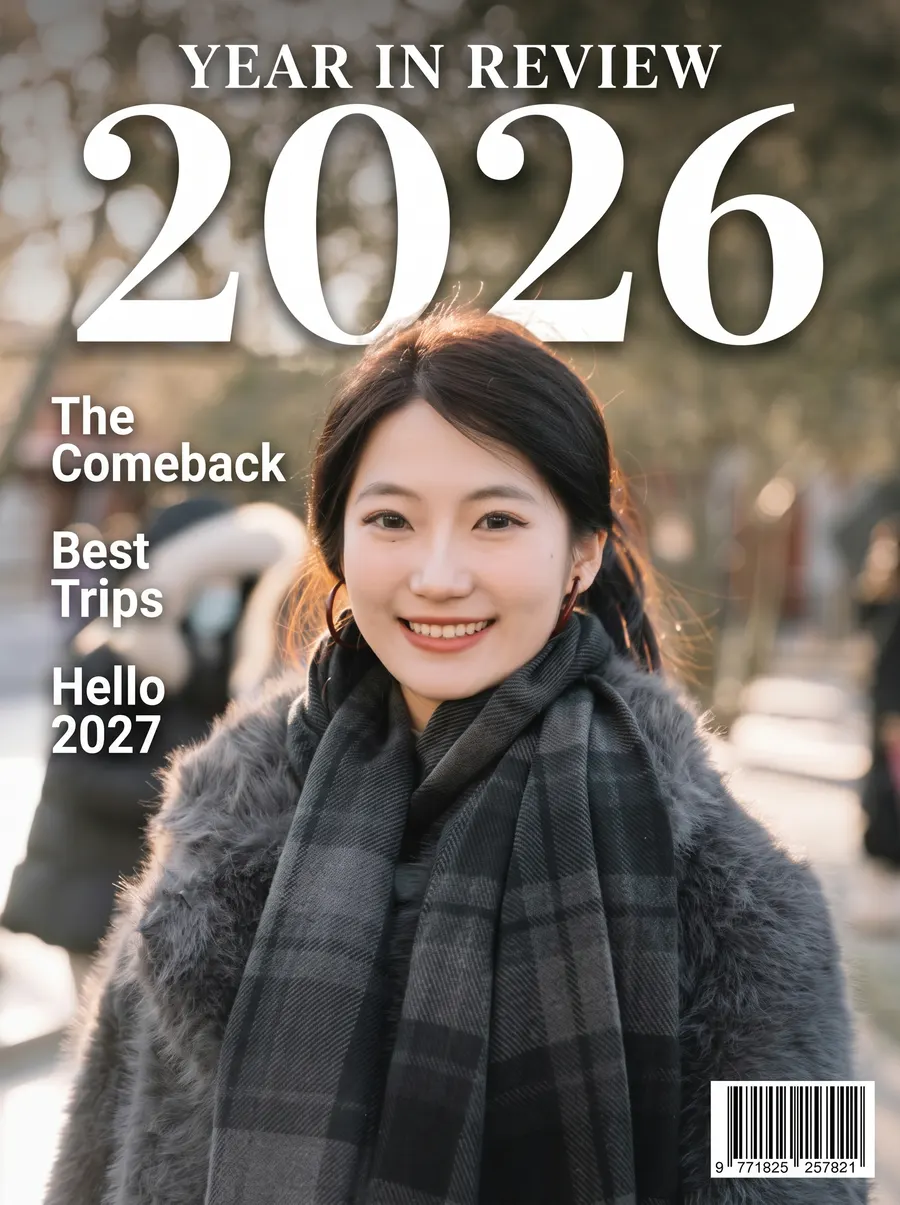
B03
Year in Review Cover
You on the cover of a glossy “Year in Review 2026” magazine.
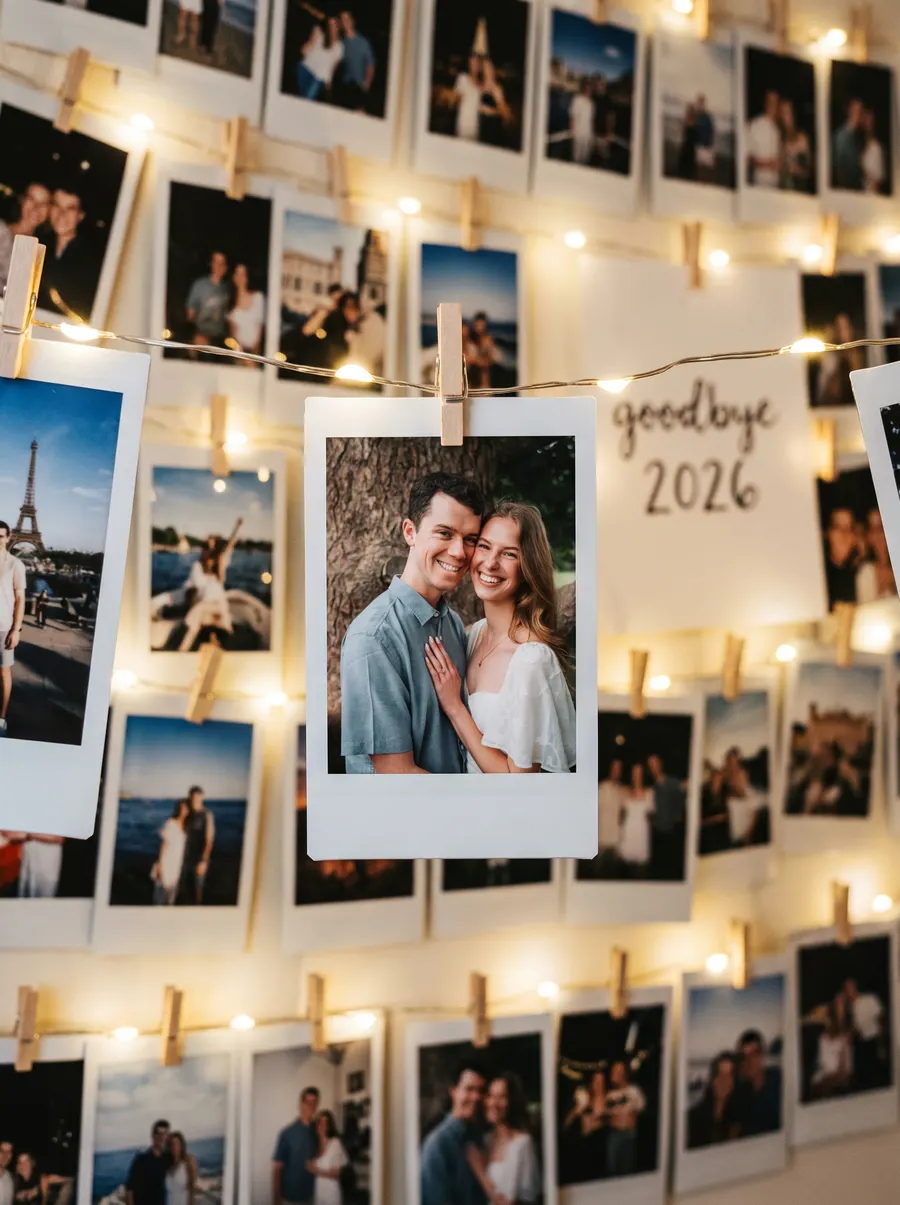
B04
Polaroid Wall
Instant photos on a string of fairy lights with a handwritten “goodbye 2026” note.
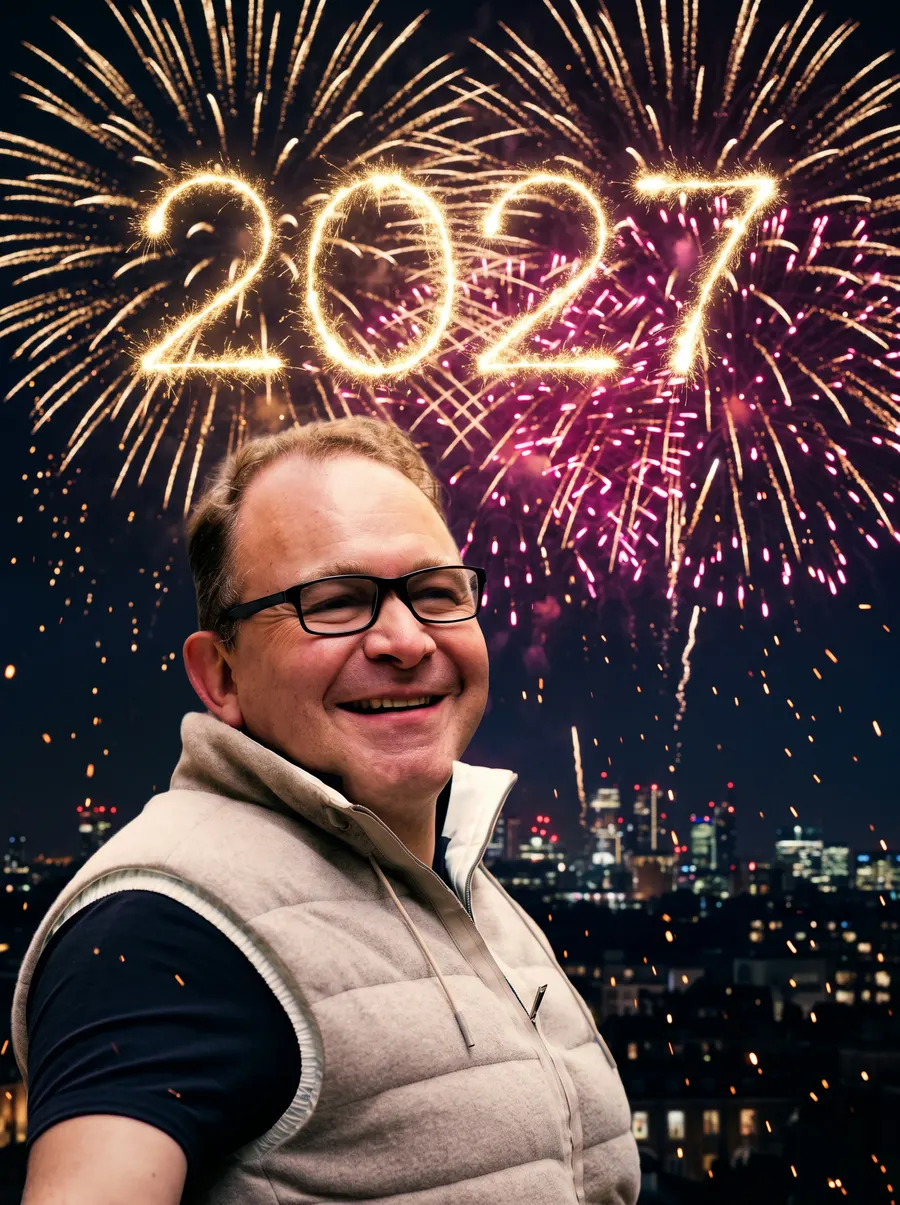
B05
Fireworks Portrait
You under midnight fireworks, with “2027” written in golden light in the sky.
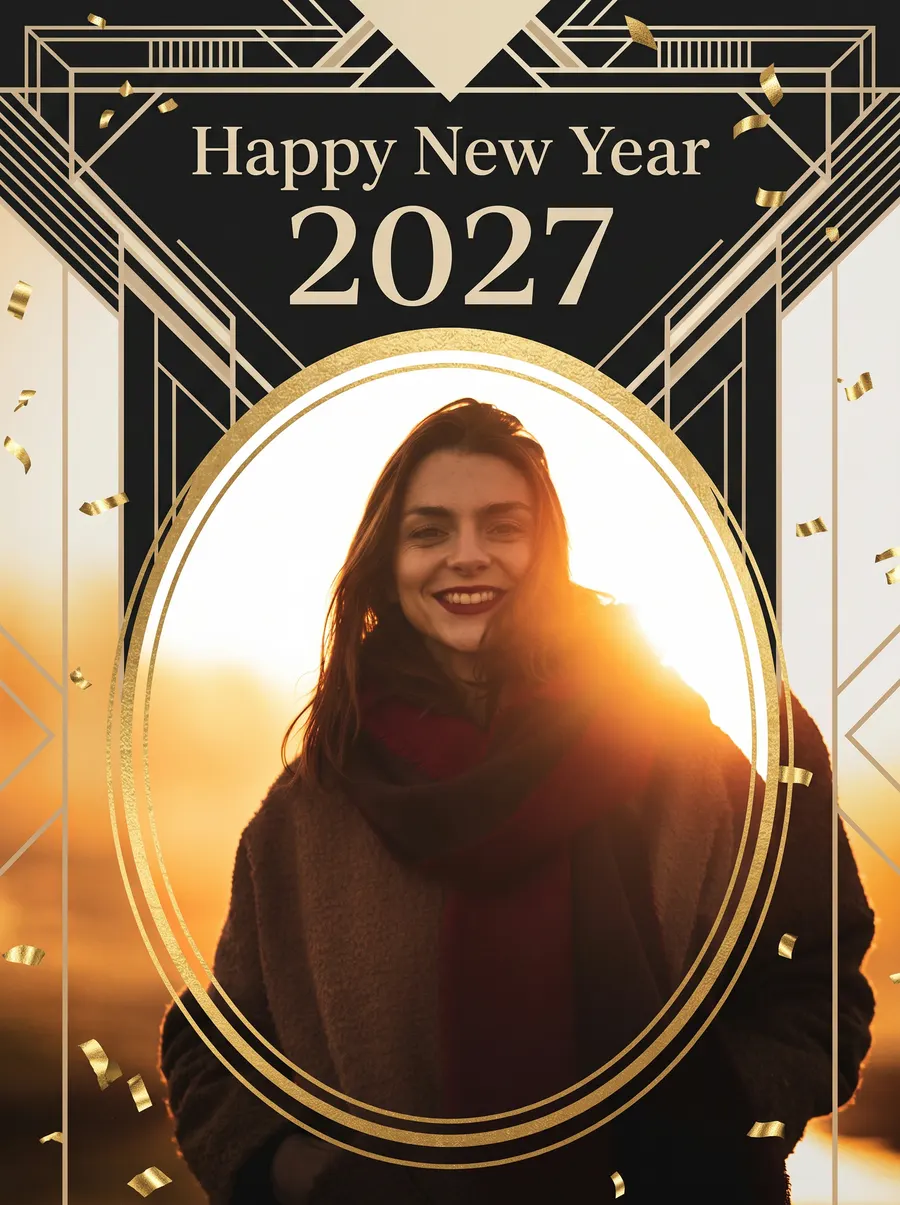
B06
New Year Card
An elegant black-and-gold “Happy New Year 2027” greeting card with your portrait.
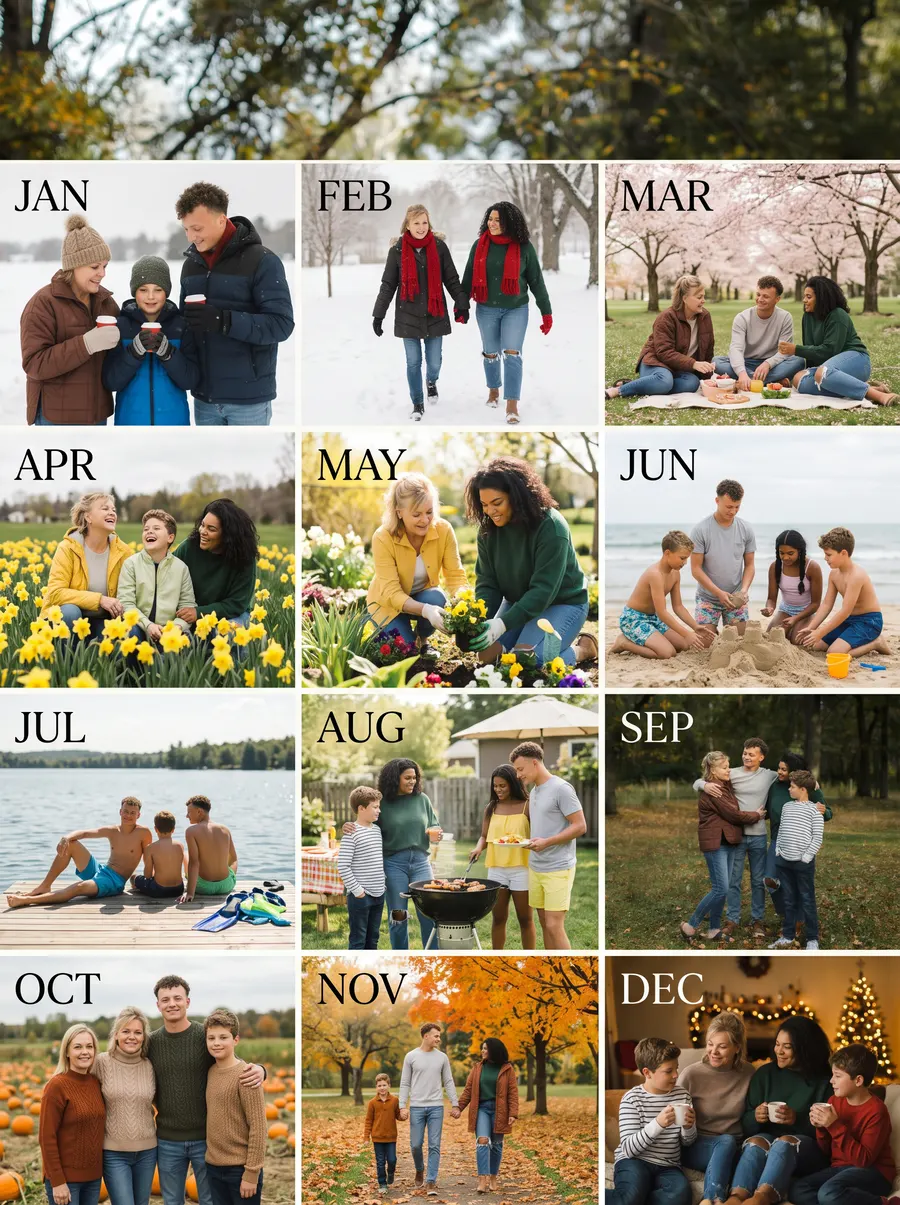
B07
12 Months
A January-to-December grid of you through every season of 2026. Up to 4 people.

B08
Midnight Toast
Your friends or family toasting at midnight under “2027” balloons. Up to 4 people.
04 — How it works
How to make a Goodbye 2026 video
01
Upload a photo
Any photo from your year with a clear face — a selfie, a trip, a night out, the whole family.
02
Pick a style
Midnight Fireworks, Countdown, Champagne Toast, The 2026 Season, Snow Globe and more. Add a detail if you want.
03
Download and share
Your clip is ready in about two minutes. Download it in HD and post it before the clock strikes twelve.
05 — Made for
Where your Goodbye 2026 video goes
[1]
Reels, TikTok & Shorts
Join the “Goodbye 2026, Hello 2027” trend with a vertical clip made from your own photo.
[2]
The family group chat
Send a Happy New Year 2027 video that actually stars your family, not a stock greeting.
[3]
Couples & friends
Toast the year you shared with a champagne, sparkler or polaroid clip of the two of you.
[4]
Teams & small brands
Thank your team or customers with a year-end video from your best photo of 2026.
What is a Goodbye 2026 video?
A Goodbye 2026 video is a short year-end clip people post around New Year’s Eve to say farewell to 2026 and welcome 2027 — usually one favourite photo brought to life with fireworks, a countdown, a toast or a nostalgic “and with that, the 2026 season” ending.
Goodbye-2026.com is a browser-based AI video maker for exactly that. Upload one photo, pick one of 11 New Year video styles and get a 5- or 10-second HD clip with sound in about two minutes. It keeps the people in your photo recognisable, works on any phone, and also makes Goodbye 2026 posters and Happy New Year 2027 cards.
Goodbye 2026 at a glance
- Styles
- 11 New Year video styles + 8 poster styles
- Speed
- About 1–3 minutes per video, 20–60 seconds per poster
- Output
- 480p or 720p video, 5 or 10 seconds, with sound; 1K or 2K posters
- People
- Any photo for video; up to 4 people (one photo each) for group posters
- Price
- From $6.99 for 500 credits; videos from 60 credits, posters 20 credits
- Terms
- No subscription or watermark; credits last 365 days and are refunded if a render fails
- Languages
- English, 中文, Español, Français, Deutsch, 日本語, 한국어
06 — FAQ
Goodbye 2026 video questions, answered
Upload a photo in the studio above, choose a style such as Midnight Fireworks or The 2026 Season, and press “Make my video”. The clip is ready in about two minutes and you can download it in HD.
Signing up is free; creating uses credits. Packs start at $6.99 for 500 credits. A Standard 5-second video costs 60 credits (about 8 videos in the starter pack) and a poster costs 20 credits. There is no subscription.
A well-lit photo where faces are clearly visible — a portrait, a trip photo, a couple or a small group. Vertical photos make the best Reels and TikTok clips.
A 5-second video usually takes 1–3 minutes; a poster takes 20–60 seconds. You can keep browsing while it renders — the result appears in your history.
Yes. Upload a vertical photo and the clip keeps the same 9:16 shape, ready for TikTok, Instagram Reels, YouTube Shorts and WhatsApp status.
Yes. Every video comes with generated ambient sound that matches the scene — fireworks, a party, a city street. You can also add your own music in any editor.
The AI is told to keep the people from your photo recognisable — same face, hair and outfit. A clear, front-facing photo gives the closest likeness.
Yes. Use a group photo for any video style, or pick the 12 Months or Midnight Toast poster and upload up to four photos — one per person.
No. Downloads are HD and watermark-free, and you can use them for personal posts, greetings and your own social channels.
Your uploads are only used to make your videos and posters, are never used to train AI, and your creations are visible only in your account.
Failed renders — for example when a safety filter blocks a photo — are refunded to your balance automatically.
Yes. Switch to “New Year poster” and pick New Year Card, Fireworks Portrait or Recap Poster. You can then animate the poster into a video.
Yes. It runs in any modern browser on iPhone, Android or desktop — nothing to install. Upload straight from your camera roll.

Edition ’27
Hello 2027.
One photo. One video. Post it before midnight.
Example videos were generated by Goodbye 2026 from free-licence stock photos (Unsplash). Results vary with the photo you upload.